UPI and QR at the table: when the bill should not wait for cash
Guests already pay with UPI everywhere else. The awkward silence is when the bill is ready and the payment link is still being typed.
ATBy Ashish TiwariWriter, YUVAVI POS
Two QRs that people confuse
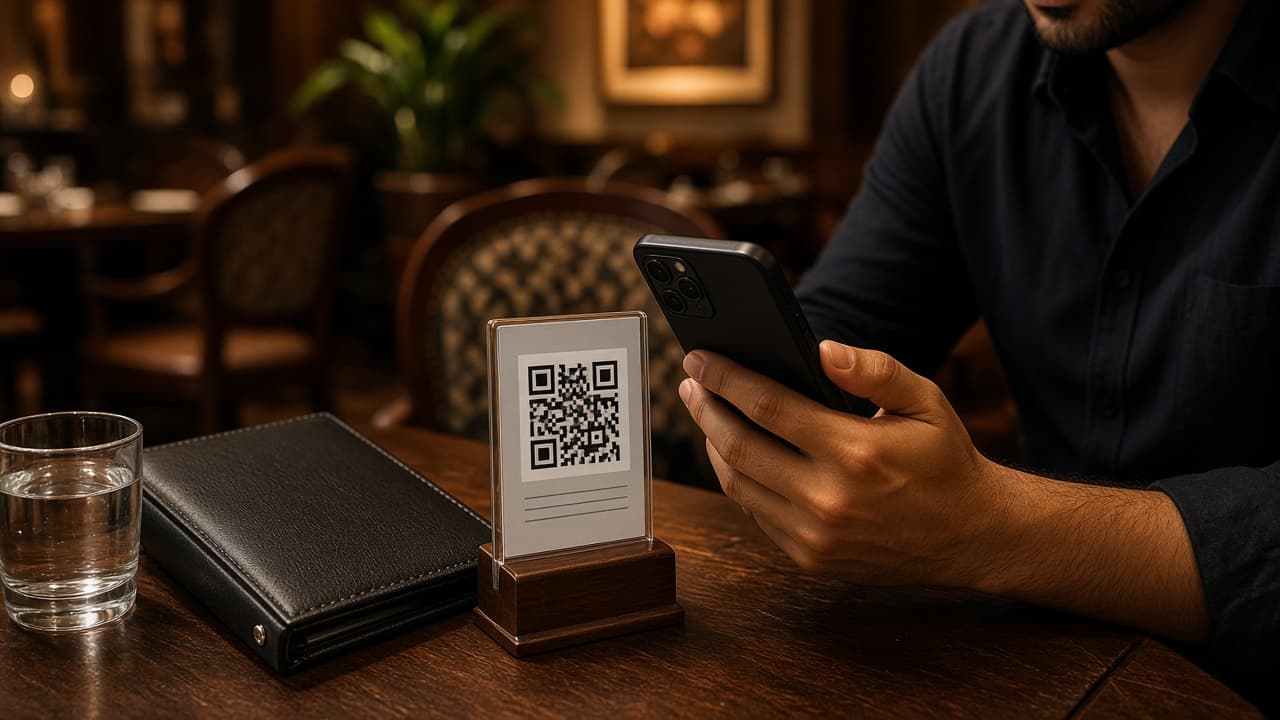
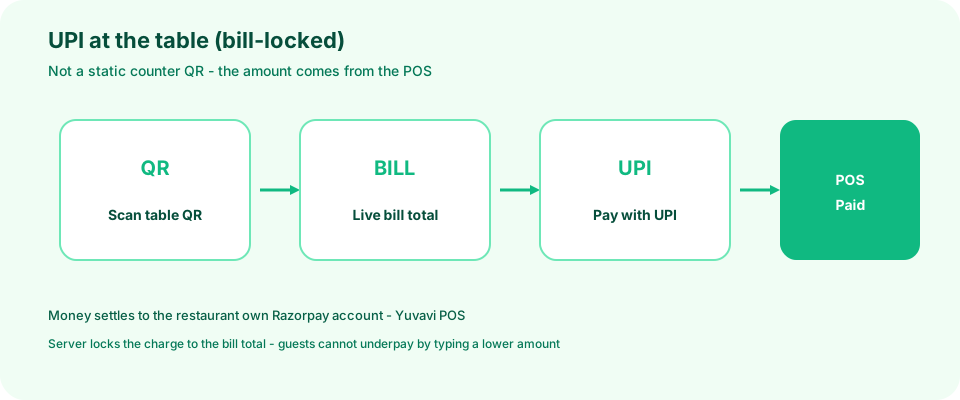
A static UPI QR stuck on the counter is not table billing. Anyone can pay any amount, and matching that payment to a table is guesswork. A table QR tied to the open bill opens the real total from the POS and marks that session paid when the gateway confirms.
Settle time and payment mix on the report
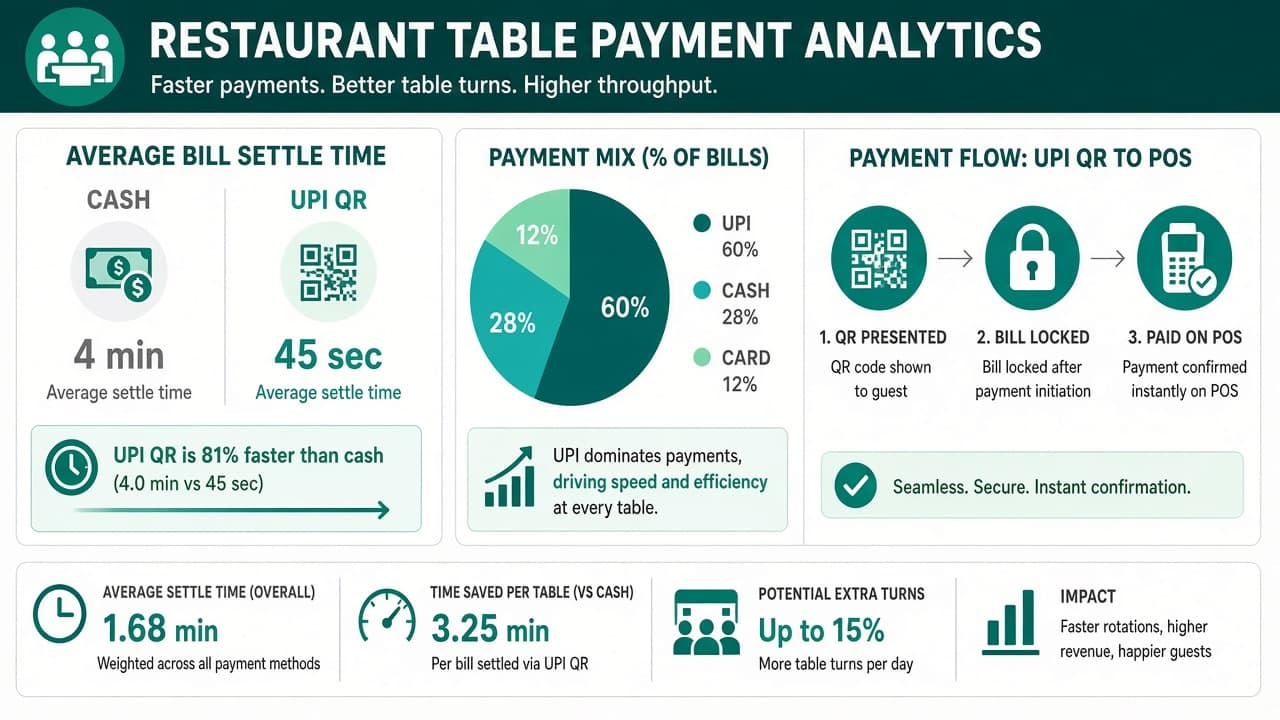
The win is not “UPI exists”. It is how long a finished table stays occupied waiting for change or a typed payment link, and whether day close still needs a second spreadsheet.
Compare average minutes from “bill printed” to “session paid” for cash versus table QR. Track the share of covers that settle on UPI, cash and card on the same screen. If UPI rises but settle time does not fall, staff are still walking to a counter QR.
- Bill-to-paid time by payment method
- UPI / cash / card mix on one day-close report
- Failed or abandoned QR pays — usually a network or amount mismatch
- Tables turned after UPI vs cash on peak nights
Lock the amount on the server
Whatever the guest's phone shows must match what the till expects. Creating a payment for a number the guest typed — instead of the order total — is how underpayment happens. The restaurant gateway creates the charge from the bill; the phone only confirms it.
Cash, card and UPI on one close
Day close still needs one figure. Online pay should land as a named method on the same settlement screen as cash and card, so the manager is not reconciling a bank SMS against a paper pad at midnight.
- Paid online visible on the table session
- Refund path for the rare double-charge
- Test keys first, live keys when the floor has practised
Whose Razorpay account?
Table payments should settle into the restaurant's own payment account, not a platform subscription account. Keys live in the restaurant settings; money follows Razorpay's settlement to that business.
Questions people ask
How should restaurants take UPI at the table?
Use a table or bill QR that opens the live total from the POS and marks that bill paid when the payment gateway confirms — not a static counter QR with a typed amount.
Whose payment account receives table UPI payments?
The restaurant's own gateway account. Platform subscription payments are separate; table bills should settle to the business that served the guest.